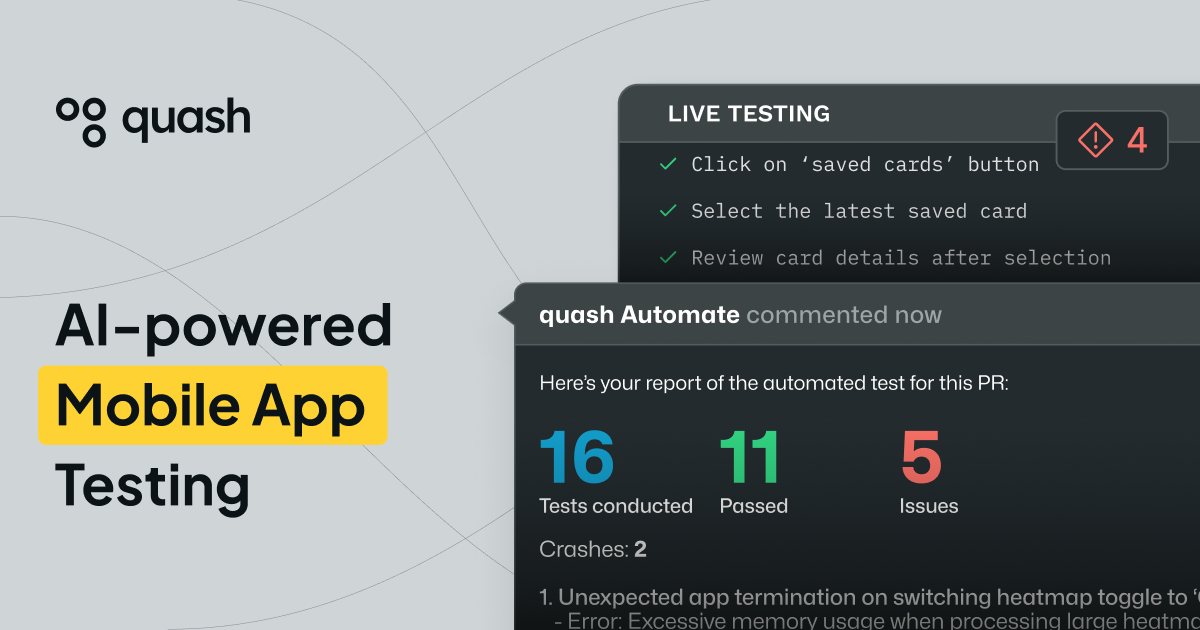
Quashbugs is the kind of mobile testing platform QA teams look for when they’re tired of brittle scripts and constant selector updates. With Quash, teams can describe an app flow in plain language, run it on real devices, and validate more than just what the UI shows. The result is a workflow that aims to keep pace with fast development cycles—so releases don’t stall while QA tries to rewrite tests every sprint.
Write intent-driven mobile tests in plain language
Instead of translating every test case into code and fragile locators, Quashbugs lets you express what you want to test as a flow. Quash converts that intent directly into executable actions, handling taps, swipes, typing, navigation, and common form interactions automatically. This shift matters because it reduces the time spent on scripting and makes tests easier to create and update as product behavior evolves.
Execution adapts to real UI behavior
One of Quashbugs’ key promises is that its execution adapts to what actually happens during runtime. During a run, Quash can respond to UI changes, loading states, and dynamic screens rather than forcing tests to match a fixed, brittle structure. That means fewer disruptions when the app’s interface shifts slightly between releases, and more confidence that the test reflects real user paths.
Validate backend issues in the same test run
Quashbugs also focuses on catching what the UI can hide. Rather than treating backend checks as a separate effort, Quash supports validations that help reveal backend bugs while you’re already exercising the mobile experience. That includes validating backend responses and system behavior during mobile test execution, helping teams find issues without adding extra stages or maintaining separate automation stacks.
Flexible device coverage and actionable reporting
Teams can run Quash on local devices, emulators, or cloud devices without building and maintaining heavy test infrastructure. Quashbugs positions this as a no lock-in approach, so QA teams can choose the environment that fits their process. After execution, reports include steps, screenshots, and contextual information so the whole team can understand failures quickly—reducing back-and-forth and speeding up triage.
If you want to see how Quashbugs approaches mobile AI testing, start here: https://quashbugs.com/.
Conclusion
Quashbugs brings a practical, intent-driven approach to mobile testing that targets the real pain points QA teams face: slow test creation, brittle scripts, and missing backend validation. By combining plain-language test authoring, adaptive execution, and clearer reporting, Quash helps QA stay aligned with release speed while improving coverage. Give Quash a look, and you may find it’s easier than you expected to keep QA running fast without losing reliability.
Thanks for reading—feel free to share your experience with Quashbugs if you’ve tried Quash on your mobile test workflows.



