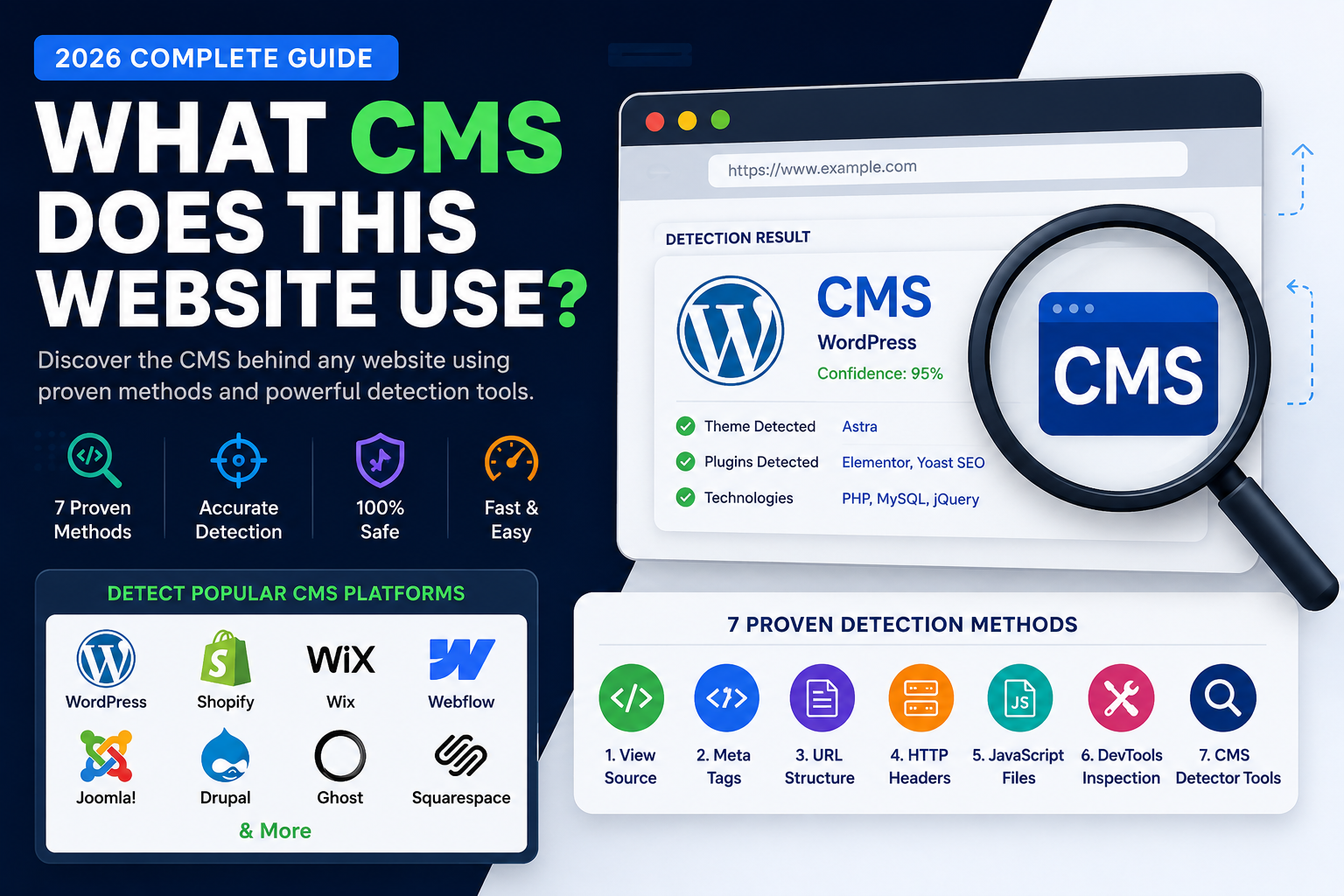
If you’ve ever wondered what powers a website or which theme it uses, Theme Detector from Reviewlystes makes that process quick and straightforward. Instead of guessing, you can scan a website URL and get clear results about the platform, theme name, theme author, and even the version—fast enough to fit into your daily workflow.
Theme Detector supports major builders and CMS platforms including WordPress, Shopify, Webflow, Wix, Drupal, Joomla, and Squarespace. It’s designed to analyze the signals a site exposes in its code and configuration, so you can learn what you’re looking at without heavy setup.
Instant theme and platform detection
Theme Detector is built around speed and accuracy. You paste a full website URL (including https://) into the tool, and it begins scanning immediately. During the analysis, the engine checks HTML, CSS, JavaScript, and meta tags for platform signatures, which helps identify the underlying CMS or website builder.
Because Theme Detector is focused on real-world website detection, it’s especially helpful when you’re doing theme research, competitive site reviews, or platform discovery for clients.
More than the name: authors and versions included
A big advantage of Theme Detector is that it goes beyond telling you the obvious. Along with theme identification, it also aims to reveal the theme author and the theme version. That matters when you want to understand what’s currently running on a site, whether updates are likely, and how the theme may have evolved.
For WordPress and similar ecosystems, version-level insights can be the difference between “roughly the same theme” and the exact match—especially when similar layouts are produced by closely related themes.
Cloudflare-aware scanning that keeps working
Many sites use CDNs like Cloudflare, which can hide or alter how content appears. Theme Detector accounts for this with Cloudflare-aware detection, so your results are still more likely to come through even when a site is protected behind typical CDN defenses.
That means less frustration and fewer retries when you’re scanning modern sites.
How to get results quickly
The process is simple: enter the website URL, let the engine analyze the site, and review the platform and theme details. The tool is optimized to return complete results in seconds, which makes it practical whether you’re checking one site or building a quick comparison list.
If you want to try it directly, start here: https://themedetectortool.com/.
Why Theme Detector is a smart choice
Theme Detector from Reviewlystes stands out because it combines a powerful detection engine with comprehensive output: CMS detection, theme detection, theme author detection, theme version detection, and fast analysis. It’s designed for people who need reliable answers quickly—whether you’re evaluating competitor sites, auditing a client’s stack, or selecting a theme with confidence.
Conclusion: With Theme Detector by Reviewlystes, you can identify the platform and theme behind major CMS and website builders in seconds, including helpful details like theme author and version, all with scanning that’s built to handle real-world protections. Try it on the next site you’re curious about, and enjoy faster, clearer answers.
Thanks for reading and happy detecting.



